

Daily Work
Open a workspace
Open a running workspace from My Workspaces or from a workspace link, and fix a link that won't open.
Last updated
You can open a workspace from My Workspaces or from a workspace link. Anyone who can use a workspace in My Workspaces can open it: team members, team admins, and platform operators and admins within the teams they manage.
From My Workspaces
- Find the workspace in My Workspaces. It must be Running. If it isn’t, choose Start and wait.
- Choose Browser to open the in-browser editor in a new tab.
- For another client, open the Connect menu: Archibot Desktop, Coder Remote (legacy) (desktop VS Code), JetBrains Gateway or SSH config. Windows workspaces also offer Remote Desktop, and some workspaces offer Tomcat.
Details shows the same launch buttons.
From a workspace link
Workspace links look like https://<console>/w/<workspace-id>. You can bookmark them or share them with teammates who can access the workspace.
- If you aren’t signed in, Console asks you to sign in first, then continues.
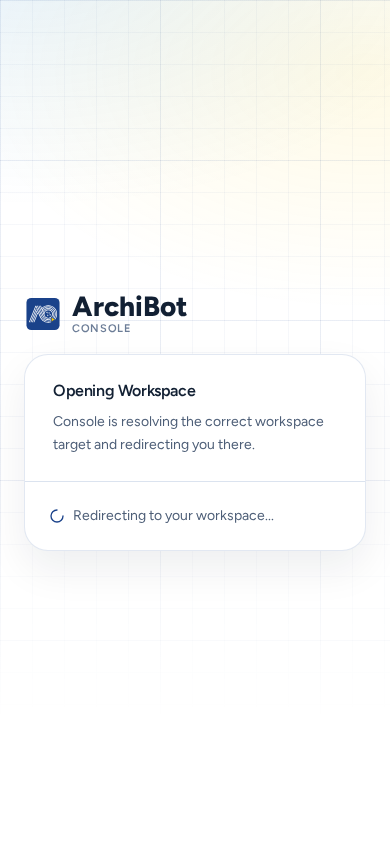
- The page shows Opening Workspace with Redirecting to your workspace… while Console finds the workspace’s target.
- Console sends you to the editor. If the target has its own sign-in, it starts automatically in the same browser.
The link does not start a stopped workspace.
When a link fails
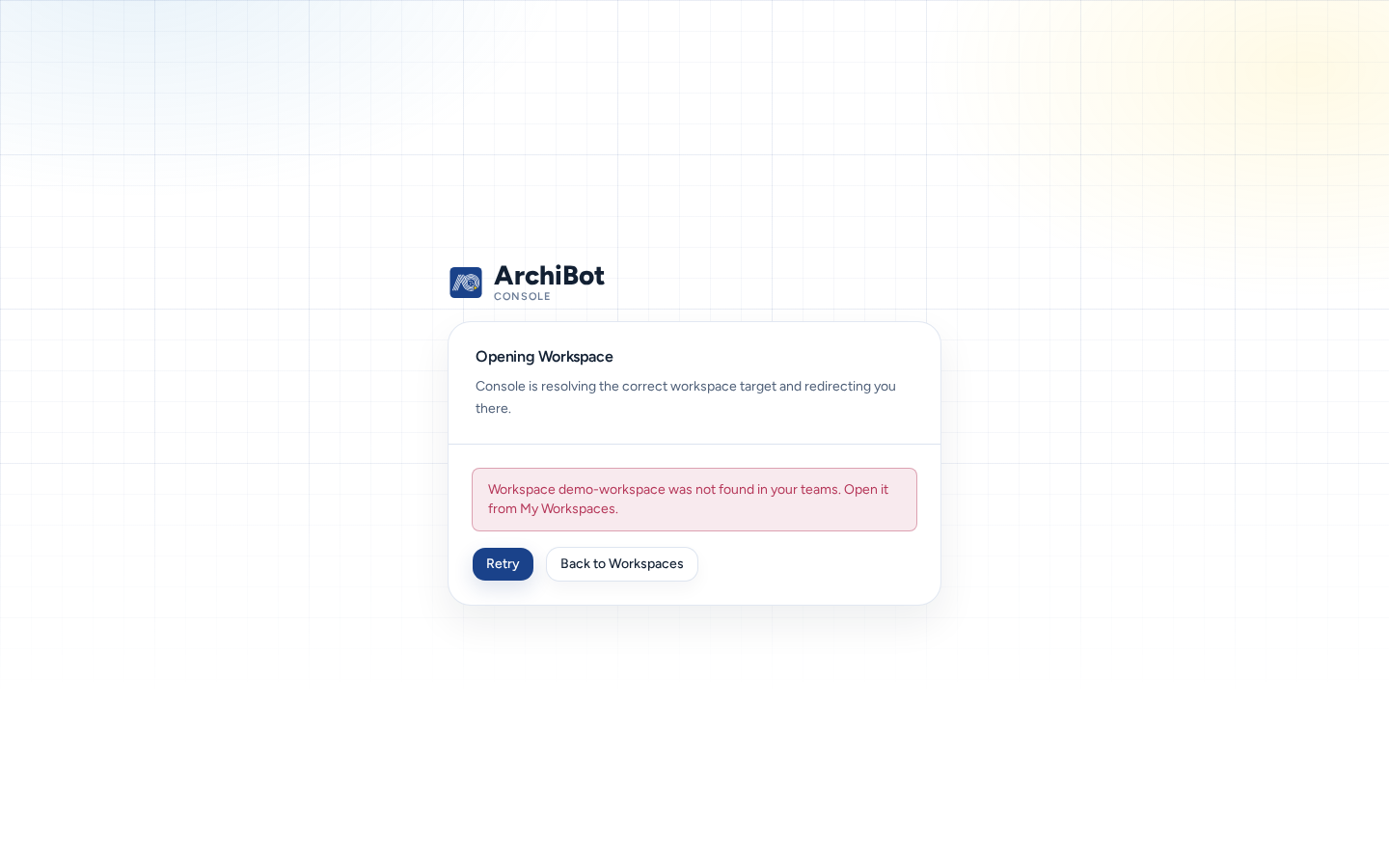
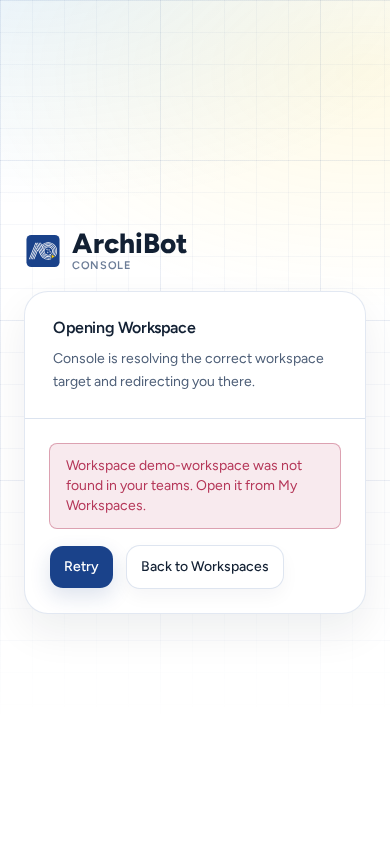
If Console can’t open the workspace, the page shows the reason, for example “Workspace URL unavailable.”, “Failed to open workspace.” or a message from the server. It also offers two buttons:
- Retry: try again, for example after starting the workspace.
- Back to Workspaces: return to My Workspaces to check the status.
| Cause | What to do |
|---|---|
| The workspace is stopped or still building. | Start it or wait for the build in My Workspaces, then choose Retry. |
| The workspace was deleted or the ID is wrong. | Find it in My Workspaces. Ask whoever shared the link. |
| You can’t access that workspace. | Ask a team admin to check your membership. See Access roles. |
| The editor’s own sign-in fails. | Sign out, sign back in with the identity your team uses, then choose Retry. |
On a phone
- The Opening Workspace card fits the screen, and Retry and Back to Workspaces are full-size buttons.
- The editor itself is a desktop tool. It opens on a phone, but use a larger screen for real work.
Related guides
Done When
- The workspace is running before you open it.
- A workspace link opens the editor after Redirecting to your workspace...
- An error shows Retry and Back to Workspaces.